UX vs UI: What’s the Difference and Why It Matters
UX defines structure and user flow; UI shapes visual language and interaction. Together they determine how usable, clear and trustworthy a product feels.
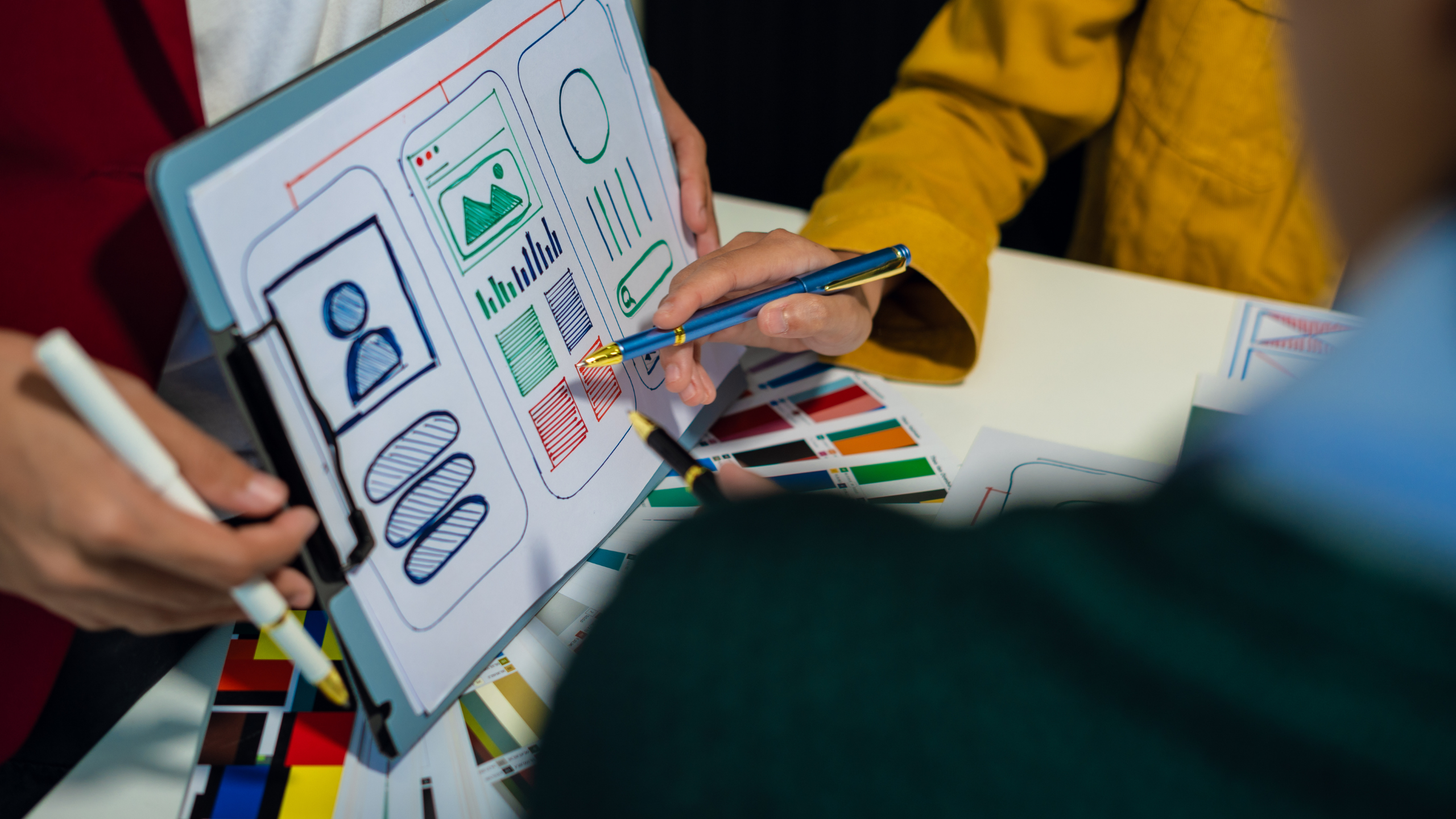
Every time we start a new product project, we inevitably get asked the same question upfront: “So what is really the difference between UX and UI?” It is a fair question. These two terms have become so common that many people treat them as if they are interchangeable or wonder if they even matter anymore. The answer, in our experience, is that UX and UI may be closely related, but they play very different roles in shaping how a digital product feels, functions, and ultimately succeeds in the real world.
If you are building a product, launching an app, designing a service, or even just thinking about how people engage with your brand online, understanding this difference is not about semantics. It is about making better decisions, avoiding expensive redesigns later on, and creating a product experience that feels intuitive instead of frustrating.
To unpack this, we will explore what UX is, what UI is, how they relate to each other, and why both matter. We will share perspectives based on real project work, common pitfalls we have seen in teams, and how thoughtful design impacts real users.

What It means to talk about UX?
User experience, or UX, is about the entire journey a person travels when they interact with a product. It is not limited to the screens they see or the buttons they tap. It begins much earlier, before the first interface is ever drawn. It starts with understanding people, their goals, their frustrations, and the context in which they will use a product.
In our work, UX first emerges from observation. We begin by asking questions like this: What is the real problem users are trying to solve? What makes them pause or hesitate? Where do they feel empowered, and where do they feel confused? This phase is not about colours, fonts, or layout. It is about behaviour and intention. It is about empathy and understanding the human side of interaction.
Once we have a clear view of user needs and motivations, we start shaping the structure of the experience. We map flows that reflect how people move between decisions. We identify moments of clarity and moments of friction. We prototype these ideas, often in very rough form, to test whether the logic holds up when a real person interacts with it. When something feels counter-intuitive in these early versions, that is often a clue that the user’s mental model does not align with the structure we designed.
Good UX is like good choreography. It helps a user move from point A to point B without forcing them to think about every step along the way. It respects cognitive load and reduces unnecessary friction. When UX is strong, people complete tasks without noticing the design at all. They simply get what they need done.
What it means to talk about UI?
User interface, or UI, comes in once the structure of the experience is set. While UX shapes the journey, UI shapes how that journey is presented visually and interactively. UI is the layer that communicates meaning through visual cues such as typography, colour, spacing, motion, and visual hierarchy. It defines how a product speaks without words.
UI plays a critical role in perception. A well-crafted interface gives users immediate visual confidence. Buttons that look like they respond when tapped, clear labels that tell a user exactly what will happen next, layouts that feel balanced and easy to read these are all part of UI design. When UI is done well, interaction feels natural, and the user does not have to stop and think about where to look.
However, UI is not purely aesthetic. It is not decoration. It is a form of communication that signals function and priority. For example, making a primary action button visually prominent tells the user that this is the most important next step. Using consistent spacing and typography helps users scan and absorb information quickly. Thoughtful UI design reduces hesitation and builds trust in the product.
When UI is neglected, even a well-structured experience can feel awkward or confusing. Users may pause because they are not sure which elements are interactive. They may misinterpret labels or ignore important calls to action because they visually blend in with less important elements.
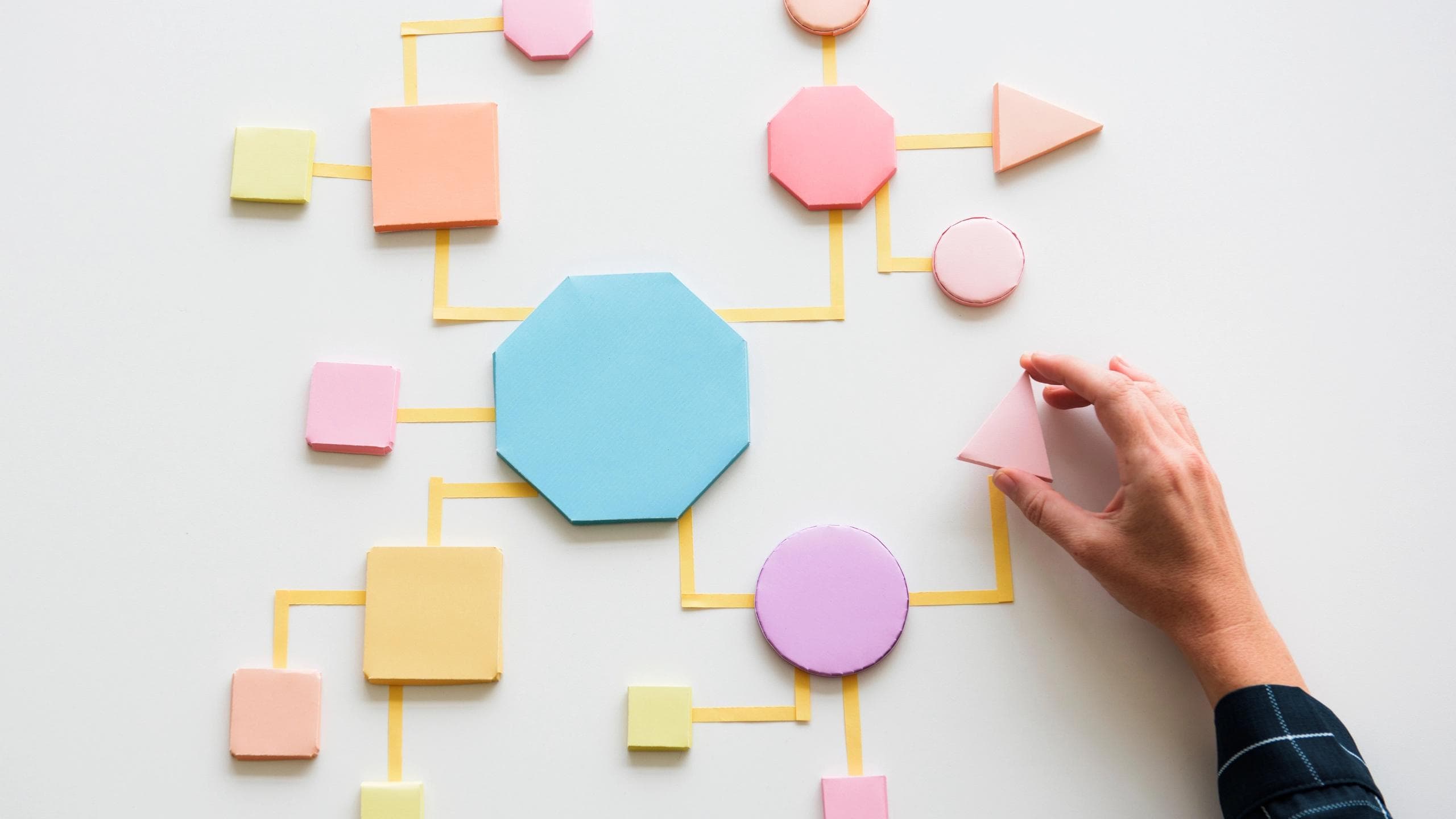
Why the Distinction Matters?
You often hear someone say that UX is about logic and UI is about look. That is a simple way to put it, but it misses a deeper point. Both UX and UI shape the user’s emotional response to a product. The user does not experience them as separate. They experience the outcome. That outcome is the combination of structure and presentation.
Imagine a product where the flow makes sense but everything on the screen looks the same, with no visual cues to guide attention. People may complete tasks, but every step feels effortful. That is a UI problem layered on top of a UX foundation.
Now imagine a beautifully crafted interface that looks stunning, but the user journey is confusing. Important steps are buried, labels are unclear, and people get lost halfway through a process. That is a UX problem undermining the value of the design.
Great digital experiences are created when structure and presentation reinforce each other. When the logic of the flow aligns with a clear visual language, interaction feels effortless instead of difficult.
This distinction matters not because it is technical, but because it shapes real results. A product with weak UX and strong UI may impress at first glance, but it will frustrate users over time. A product with strong UX and weak UI may function correctly, but users will hesitate, feel unsure, and may abandon it because it does not feel trustworthy or clear.
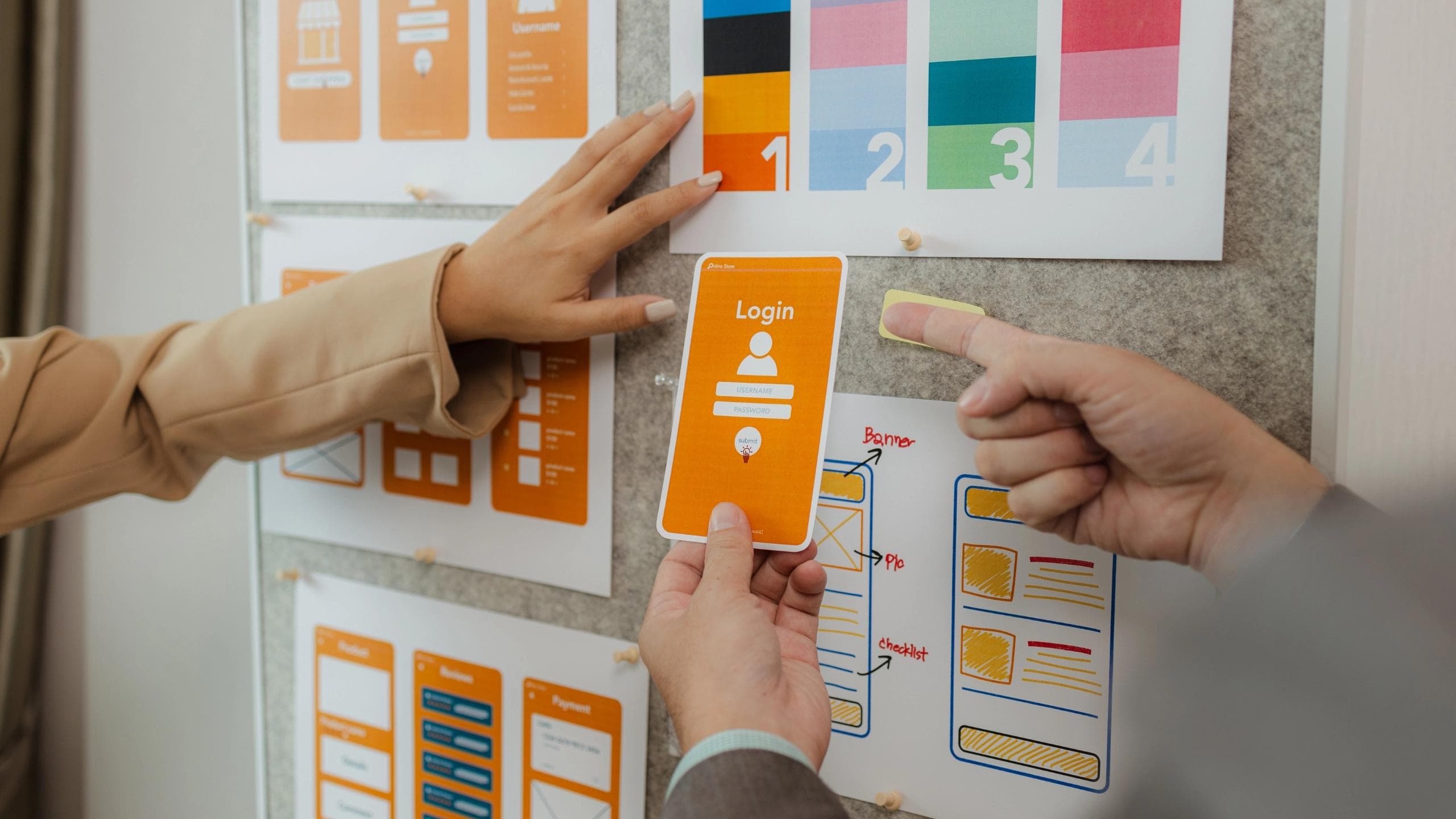
How UX and UI Work Together in Practice
In real project work, UX and UI are not isolated phases that happen in sequence. Instead, they influence each other continuously. We might start with a user flow, but then visual decisions reveal places where the flow needs refinement. UI experimentation often exposes gaps in the logic of the experience that require UX adjustments.
This is why collaboration matters. The best teams do not silo UX and UI into separate rooms. They bring them together early, so that structural decisions and visual decisions evolve in dialogue rather than in isolation.
For example, during a redesign project we worked on, we had a user flow that seemed logical on paper. When our UI designer started applying visual hierarchy and interaction patterns, it became clear that certain steps were disrupting the emotional rhythm of the experience. Users scored visual clarity highly in early tests, but they still hesitated at key moments because the path forward was not obvious. By iterating together, the team adjusted both the structure and the visual cues, and the experience improved dramatically.
This kind of interplay is normal in real work. UX provides the blueprint. UI brings it alive. Each influences the other.
How Research Informs Both UX and UI
Research is essential to both UX and UI, but it informs them in different ways. UX research often focuses on behaviour and context. It helps uncover what people are trying to do, why they struggle, and what patterns of use are most common. It gives designers a real foundation for making structural decisions.
UI research often focuses on perception and clarity. Does this label make sense at a glance? Do users recognise which elements are interactive? Does a colour palette support readability and focus? This kind of research tests whether visual language and interaction cues are communicating effectively.
In both cases, research shifts design from guesswork to evidence. Instead of assuming what will work, design teams learn what actually works for real people. That translates directly into fewer costly redesigns later and far better outcomes in how users engage with a product.
Why UX and UI are Essential for Business Results?
Design is not just about aesthetics or technical layout. It has real impact on performance. Products with thoughtful UX and UI tend to have higher engagement, better conversion, lower support costs, and stronger user satisfaction.
Users today have little patience for confusion. Every unnecessary tap, unclear label, or ambiguous screen adds friction. Friction leads to abandonment. Abandonment leads to lost customers.
Good UX reduces cognitive load. It makes progress feel steady and predictable. Good UI amplifies that by making the visual language clear, familiar, and comfortable.
Together, they shape first impressions and long term behaviour. A user who feels confident and supported is more likely to return, to complete tasks, and to trust the brand behind the product.
Consider the simple act of signing up for an account in a mobile app. UX designers think about what steps the user must take, whether all the information requested is necessary, how each step feels in sequence, and how to reduce barriers that cause drop offs. UI designers work on how each of those steps looks on the screen, how the form fields are arranged, how buttons communicate action, and how visual feedback reassures the user that each step was completed correctly.
Both matter. If you skip unnecessary fields but make the interface confusing, users still struggle. If you make the interface beautiful but ask for too much information too soon, users abandon the process. Only when both structure and presentation support the user does the experience feel seamless.
Another example is search. UX design involves deciding how search works, what filters are useful, what results should be prioritised, and how errors are handled. UI design involves how search results are displayed visually, how filters are shown, and how interaction feels when a user types or taps.
In each case, the experience is shaped by both disciplines working in harmony.
What We Believe!
We believe UX and UI are distinct but inseparable layers of design. UX defines how the experience connects with human intention and logic. UI defines how that experience is communicated visually and emotionally. Together they determine whether a product feels effortless or awkward, clear or confusing, trustworthy or uncertain.
Understanding the difference between UX and UI is not about labels. It is about making design decisions that reflect real human behaviour and real human perception. It is about thinking ahead, reducing friction, and strengthening clarity. It is about creating products that feel natural to use.